Testing & Certification
Hyperspan profiles on Fluke DSX — and AEM TestPro
Installers can load a Hyperspan custom test limit onto Fluke Networks Versiv V2 / DSX CableAnalyzer units, export pass/fail reports for handover, and verify channels on AEM TestPro platforms used across professional copper certification.
Downloads
Fluke DSX profile, install guide & sample results
These are the files used to put the Hyperspan CAT6 XR custom test limit on Fluke Networks Versiv V2 / DSX CableAnalyzer testers — plus an example LinkWare pass report.
Hyperspan Fluke DSX profile (JSON)
Custom test limit for Fluke Networks Versiv V2 / DSX CableAnalyzer — Hyperspan 200 m / 1 Gb Channel_V2.
Download en_Hyperspan_200_m_1_Gb_Channel_V2.json →PDFFluke install guide (PDF)
Step-by-step guide to import the Hyperspan CAT6 XR custom test limit onto Versiv V2 / DSX.
Download Hyperspan_Fluke_Install_Guide.pdf →PDFSample test results (PDF)
Example LinkWare PC pass report using the Hyperspan 200 m / 1 Gb Channel_V2 limit (~199 m channel).
Download Hyperspan_Sample_Test_Results.pdf →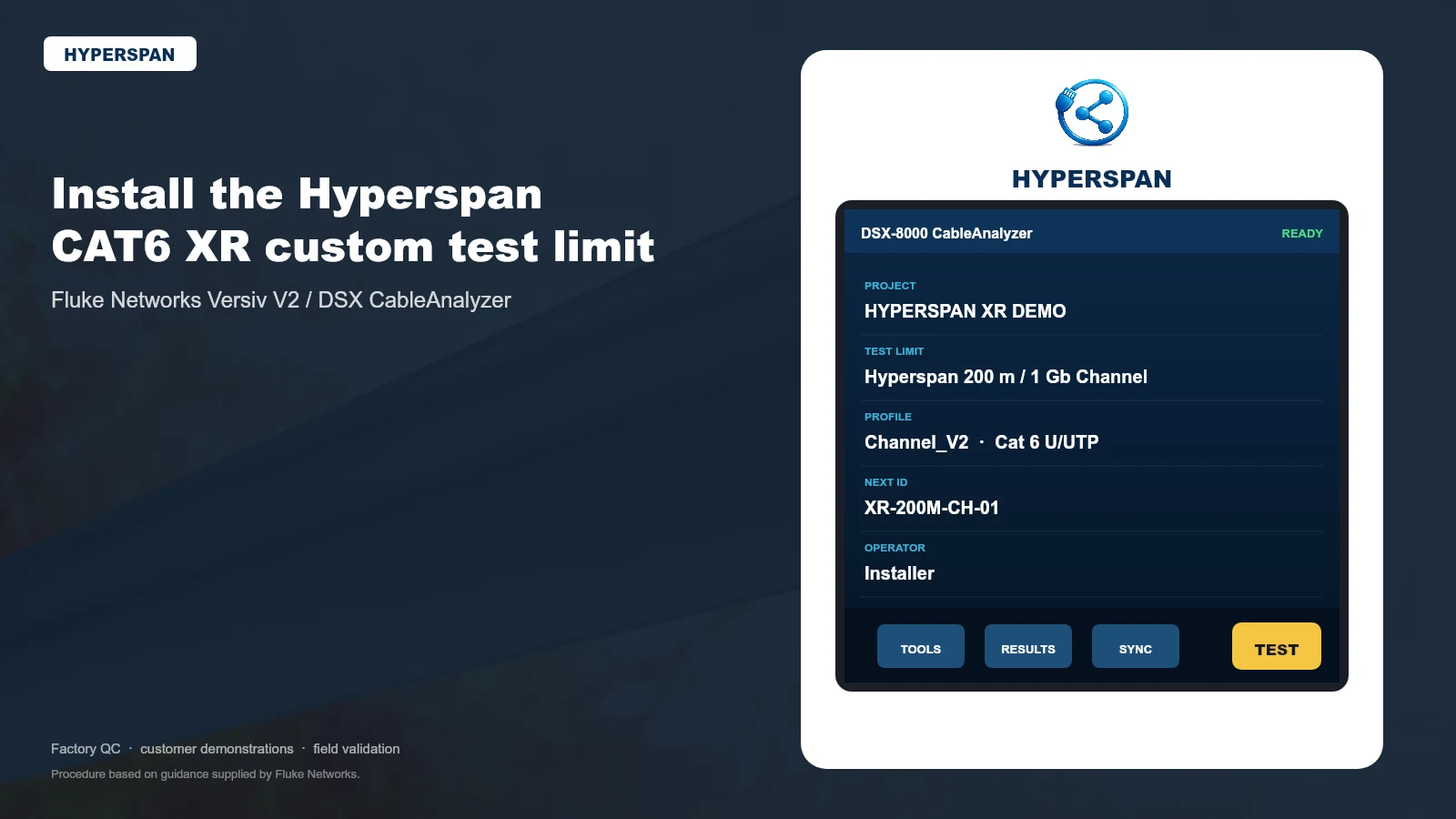

Fluke Networks DSX
How to download and install the Hyperspan profile
Procedure based on Fluke Networks guidance for importing a custom test limit onto Versiv V2 with a DSX module. Follow the PDF for screenshots of every screen.
01
Versiv V2
Main unit with DSX module installed
02
Firmware
Prepared for Versiv V2 firmware 7.1
03
USB drive
FAT32, 64 GB or less, verified by the tester
04
Profile file
Fluke-supplied Hyperspan .json — do not rename
- 1
Download the files
Save the Hyperspan JSON profile and keep the PDF install guide open for reference. Do not rename or edit the JSON file.
- 2
Prepare a FAT32 USB drive
Use a USB flash drive formatted as FAT32, 64 GB or less. Versiv must recognise the drive before you continue.
- 3
Build the folder path exactly
On the USB root create Custom_Spec → tp, then place the JSON file inside tp. Path: USB root / Custom_Spec / tp / en_Hyperspan_200_m_1_Gb_Channel_V2.json
- 4
Confirm Versiv V2 firmware
On the tester: Tools → Version Information. This supplied profile was prepared for Versiv V2 firmware 7.1 (DSX module installed).
- 5
Import via Version Information
Keep the USB inserted on the Version Information screen and follow the hidden corner-tap sequence in the install guide to import the custom limit.
- 6
Select the Hyperspan limit and test
After import, choose “*Hyperspan 200 m / 1 Gb Channel_V2*” as the test limit, run Autotest, and export results for handover and warranty evidence.
USB folder path (exact spelling)
USB root / Custom_Spec / tp / en_Hyperspan_200_m_1_Gb_Channel_V2.json
Folder names and capitalisation matter. Place the JSON inside the tp folder. Before importing, verify the USB with Results → Transfer → USB Flash Drive → Export. Do not continue until the tester recognises the drive.
Fluke Networks
Why Fluke DSX / Versiv matters on Hyperspan jobs
Fluke Networks’ DSX CableAnalyzer series (part of the Versiv platform) is the industry-standard copper certification toolset used by contractors worldwide. DSX-5000 and DSX-8000 modules certify twisted-pair channels to recognised TIA/ISO limits, store results, and export professional reports through LinkWare PC — the same workflow shown in our sample Hyperspan pass report.
DSX CableAnalyzer
Field certification for Cat5e through Cat8 / Class I–II deployments, with Autotest results suitable for handover packs.
Custom Hyperspan limit
Select “*Hyperspan 200 m / 1 Gb Channel_V2*” so extended-reach channels are judged against Hyperspan limits — not only standard Cat6 distance assumptions.
LinkWare documentation
Export traceable PASS/FAIL reports for QA, client handover and warranty support evidence.
AEM Networks
Also supported on AEM TestPro platforms
Hyperspan supports professional verification on AEM solutions as well as Fluke. AEM’s TestPro CV100 is a multifunction cable certifier widely used for copper certification, smart-building readiness and manufacturer warranty programmes.
The AEM TestPro CV100 is built for modern copper and smart-building infrastructure testing. It performs standards-based copper certification (Cat5e through Cat8), supports channel and permanent-link Autotest, and can expand into Multi-Gigabit link qualification and loaded PoE validation — useful when commissioning powered edge devices on longer Hyperspan runs.
TestPro is recognised across the industry for fast Cat6A Autotest cycles, Level 2G-class measurement accuracy, and results management through TestDataPro — so Hyperspan channels can be documented on AEM workflows as well as Fluke LinkWare.
Availability of specific Hyperspan library entries on AEM units depends on tester model and software release. Contact Hyperspan support with your TestPro model if you need confirmation for a project.
Copper Autotest
TIA/ISO parameters plus DC resistance unbalance and distance-to-fault diagnostics.
Smart building kits
Optional Multi-Gig, PoE load and MPTL adapters for edge-device readiness.
Warranty programmes
Used by many cable manufacturers for approved field certification workflows.
Project reporting
Results can be stored and shared via TestDataPro / cloud collaboration tools.
Lab & field
What Hyperspan verification covers
From laboratory characterisation to installer Autotest — the goal is the same: confirm the channel is installed correctly and operating within expected electrical and PoE boundaries.
Laboratory verification
- Insertion loss (attenuation) profiling
- Near-end and far-end crosstalk (NEXT, FEXT)
- Impedance stability and balance checks
- Propagation delay and pair-to-pair delay skew
PoE power delivery
- PoE (IEEE 802.3af)
- PoE+ (IEEE 802.3at)
- PoE++ (IEEE 802.3bt)
Focus on stability over distance — DC resistance, end-device power availability, and voltage-drop behaviour under load.
Standards alignment
| Channel performance | ISO/IEC 11801 / EN 50173 |
|---|---|
| Electrical parameters | ANSI/TIA-568 |
| PoE power delivery | IEEE 802.3af / at / bt |
Insertion Loss (IL)
Attenuation across frequency to confirm the channel is within expected loss limits over extended lengths.
Return Loss (RL)
Reflections from impedance mismatch — often linked to termination quality, bend radius and connector selection.
Near-End Crosstalk (NEXT)
Coupling at the transmit end to validate pair geometry balance and termination quality.
Far-End Crosstalk / ACR-F
Far-end coupling and signal-to-noise margins that become increasingly important on longer runs.
Propagation Delay & Delay Skew
Timing alignment between pairs to support stable link negotiation and throughput over distance.
DC Resistance & Unbalance
Key indicators for PoE stability, voltage-drop behaviour and heat under load.
Warranty link
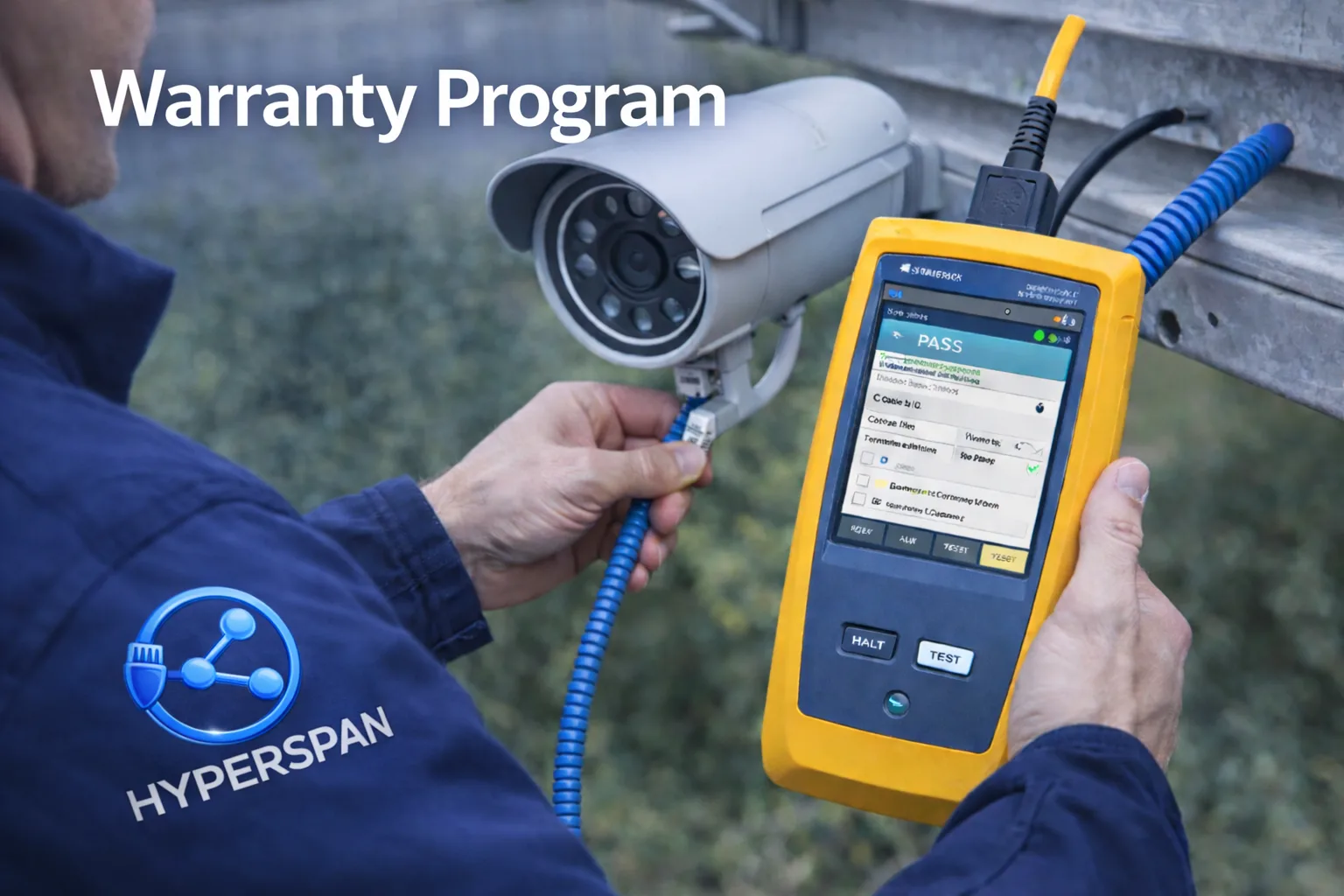
Test results support the 25-Year Warranty Programme
Registered projects with documented tester exports receive clearer warranty pathways. Keep LinkWare / TestDataPro reports with installation photos if support is ever needed.
Need help with Fluke or AEM setup?
Share your DSX / Versiv firmware version or AEM TestPro model and we’ll confirm profile compatibility and recommended settings.