
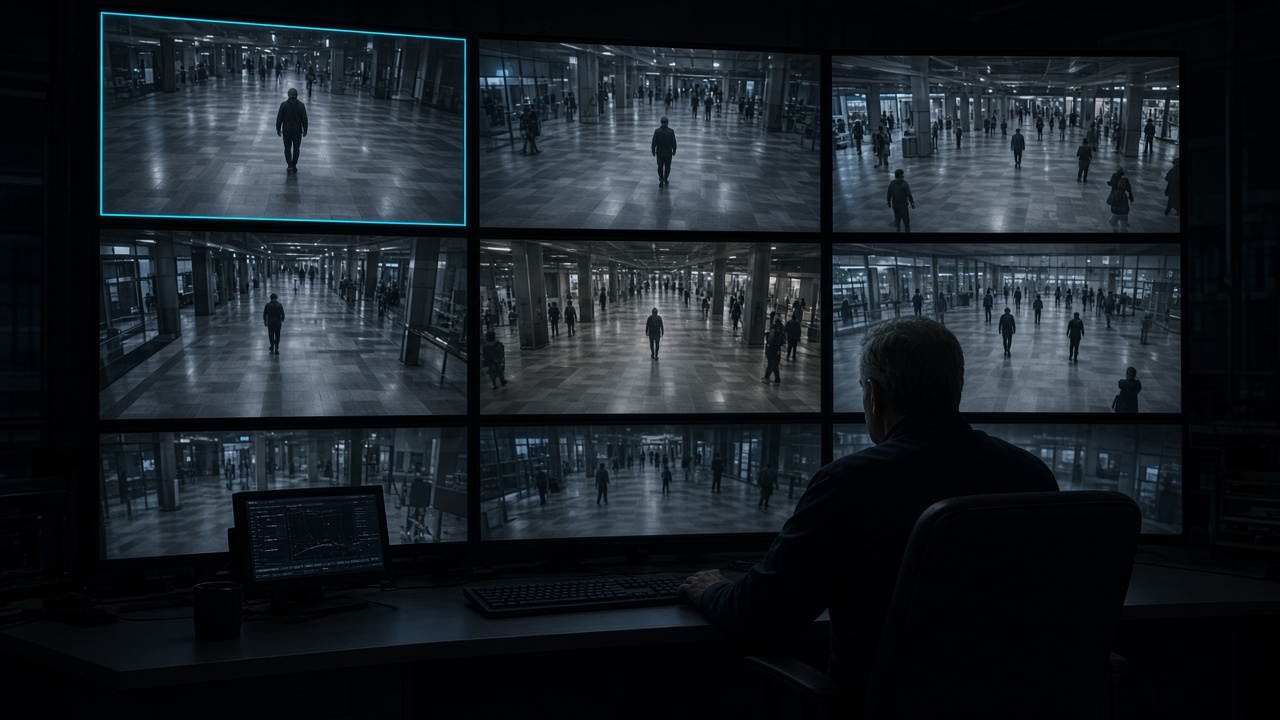
HyperScan — by Hyperspan · CCTV & Intelligent Security
AI security CCTV that operates as one system
HyperScan brings together Hyperspan’s CCTV hardware, AI equipment and supported software capabilities, with design and integration support for the wider security system. It is built for sites that need the latest AI CCTV, including ANPR and facial recognition, and for systems that have to work with the building around them.
01
One portfolio, not a camera and a separate piece of software
Cameras, AI boxes and the software licences that drive them are specified together. HyperScan specialises in AI security CCTV and in the integrations that let that video operate with the rest of the building.
AI cameras
Dome, bullet and PTZ cameras for streets, car parks, campuses, shops and public buildings, including models that can track a person.
AI boxes
Edge AI at the camera, so detection and decisions start on site rather than waiting for a separate system.
Software licences
Licences for the AI that runs attendance, ANPR, behaviour alerts and multi-camera coordination. Specified with the design, not sold as a second product line.
02
Built to join the systems you already run
A HyperScan site can integrate with building management and with other security systems. We build the APIs that merge those platforms, and we can provide a bespoke platform for the AI to operate on.
- APIs that join CCTV with building management and other building systems
- Links into the security systems already on site, so alarms, access and video can operate as one
- Bespoke platforms and software where the operation itself is driven by AI
- Real-time alerts and messages when a camera crosses a threshold you have set
03
Public streets, parking and major public areas
HyperScan is aimed at public-sector and civic sites as well as private estates. ANPR and facial recognition sit in the same system as the cameras.
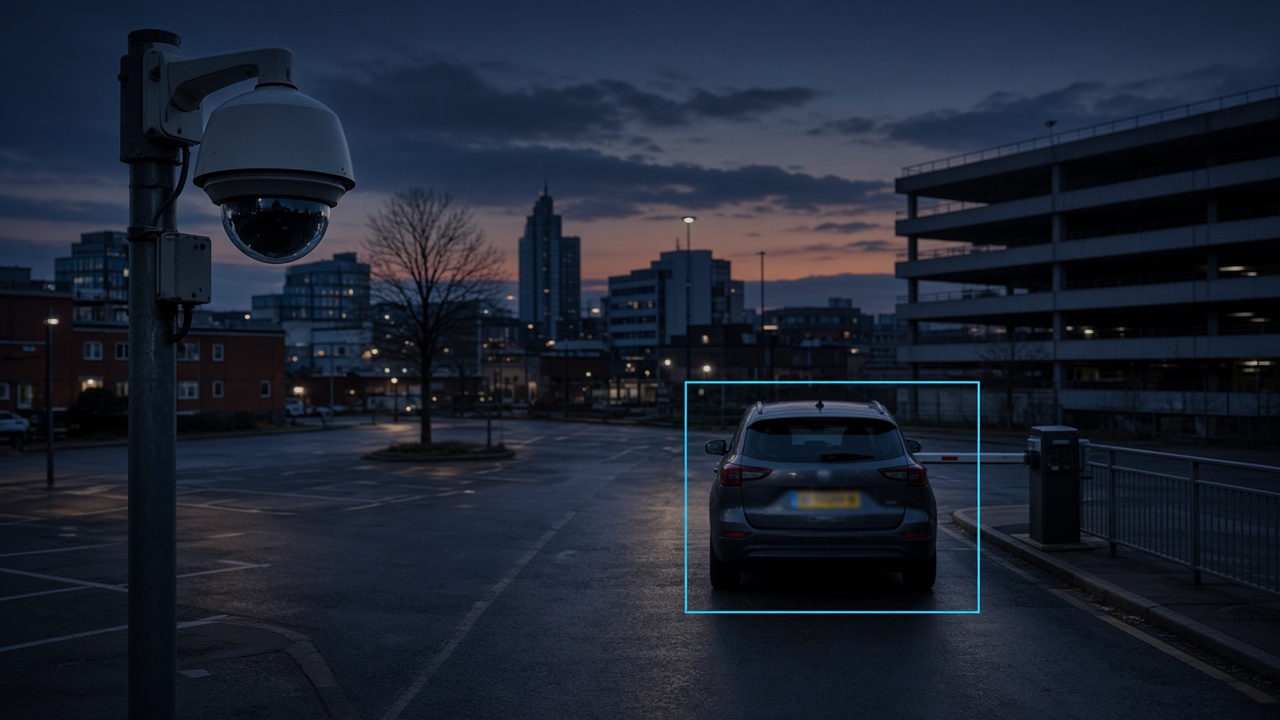
Streets and public areas
ANPR and facial recognition for roads, civic spaces and major public areas, with alerts when a watch condition is met.
Parking
Plate recognition on approaches and barriers, so a car park can be managed from the same HyperScan system as the wider site.
Airports
Screening support that can flag hazardous fluids, with heat recognition for people and objects that need a second look.
04
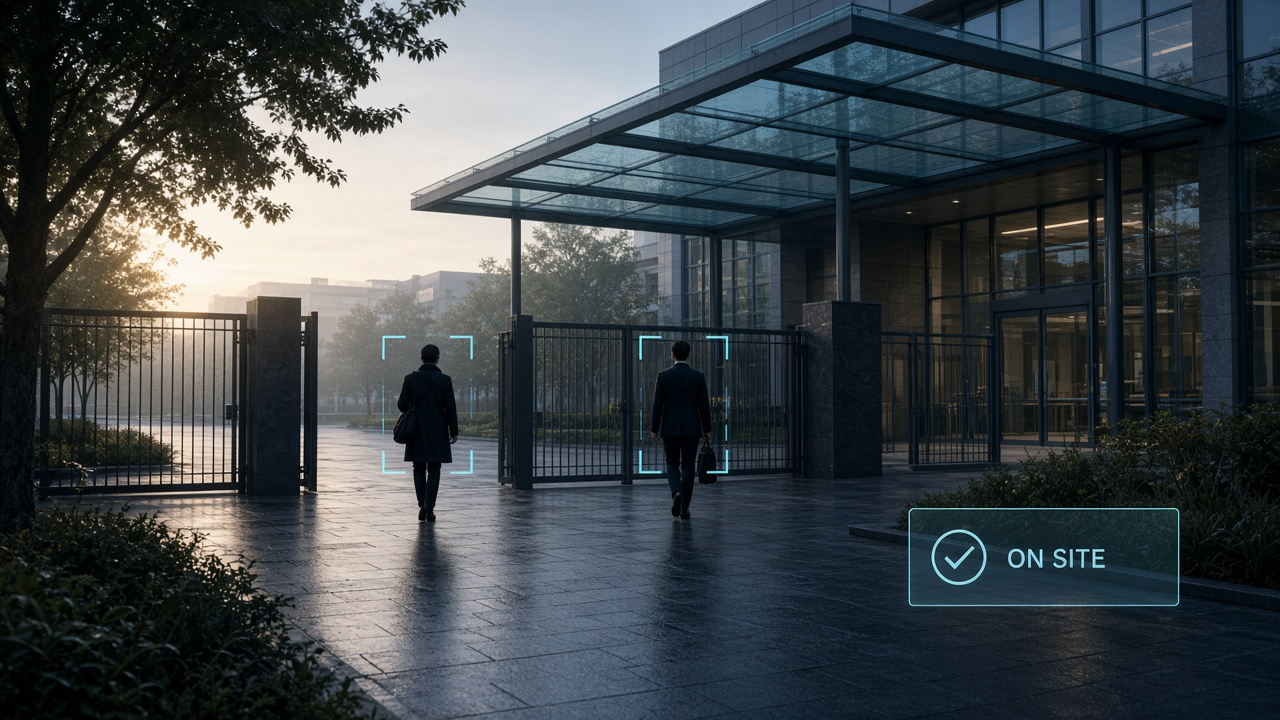
Schools and campuses
On an authorised school or campus, HyperScan can use facial recognition as part of the daily operation, not only as a recording system.
- Recognise students and staff as they enter the premises and register them as on site
- Notice when they reach a classroom and mark attendance for that class
- Flag a person who should not be on the campus
- See when a student is not concentrating, is falling asleep, or is smoking where smoking is not allowed
05
The cameras talk to each other
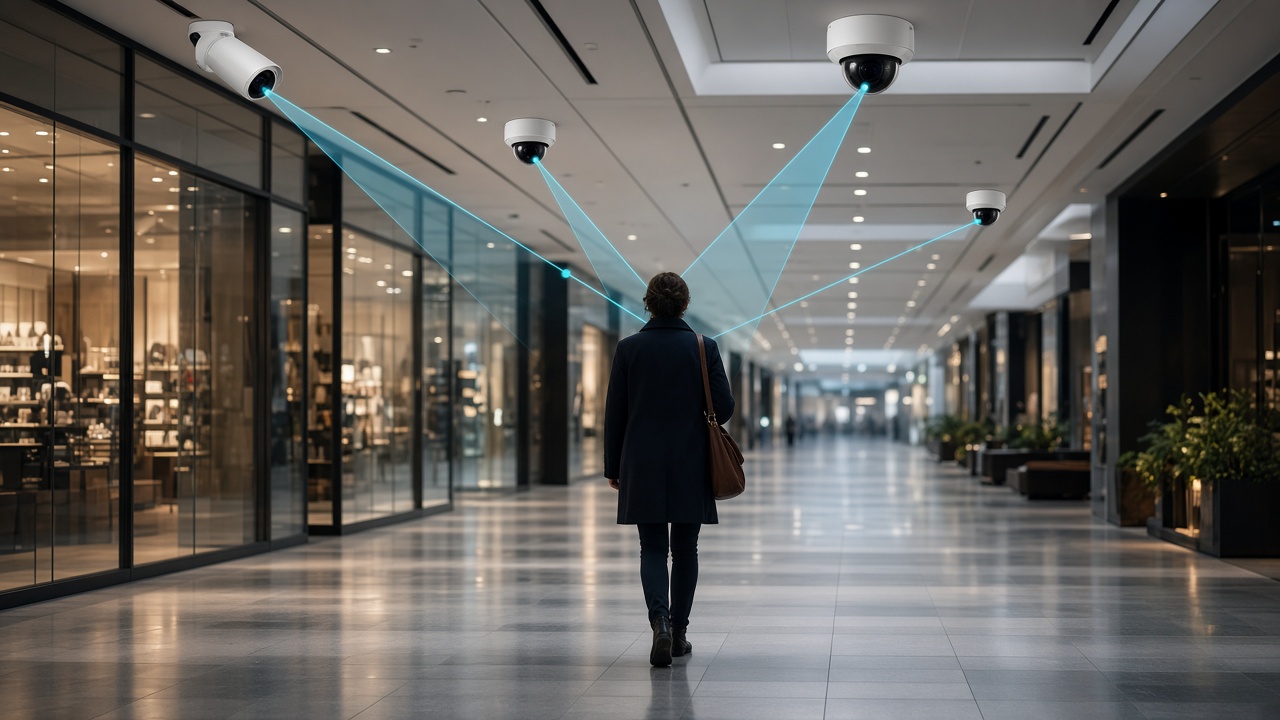
HyperScan can coordinate the CCTV network. If one camera decides something is suspicious, or a threshold you have set is crossed, it tells cameras nearby that share a view. They turn to the same place, or stay with the same person, without an operator moving each camera by hand. A person walking a shopping mall or a campus can be kept in view from camera to camera.
One camera raises an alert. Cameras with a view of the same place take up the person and keep them in frame as they move.
06
The camera set inside HyperScan
These are the published cameras, AI box, recorder and storage. Software licences are added in the design so the same hardware can run attendance, ANPR, retail alerts and camera-to-camera coordination.
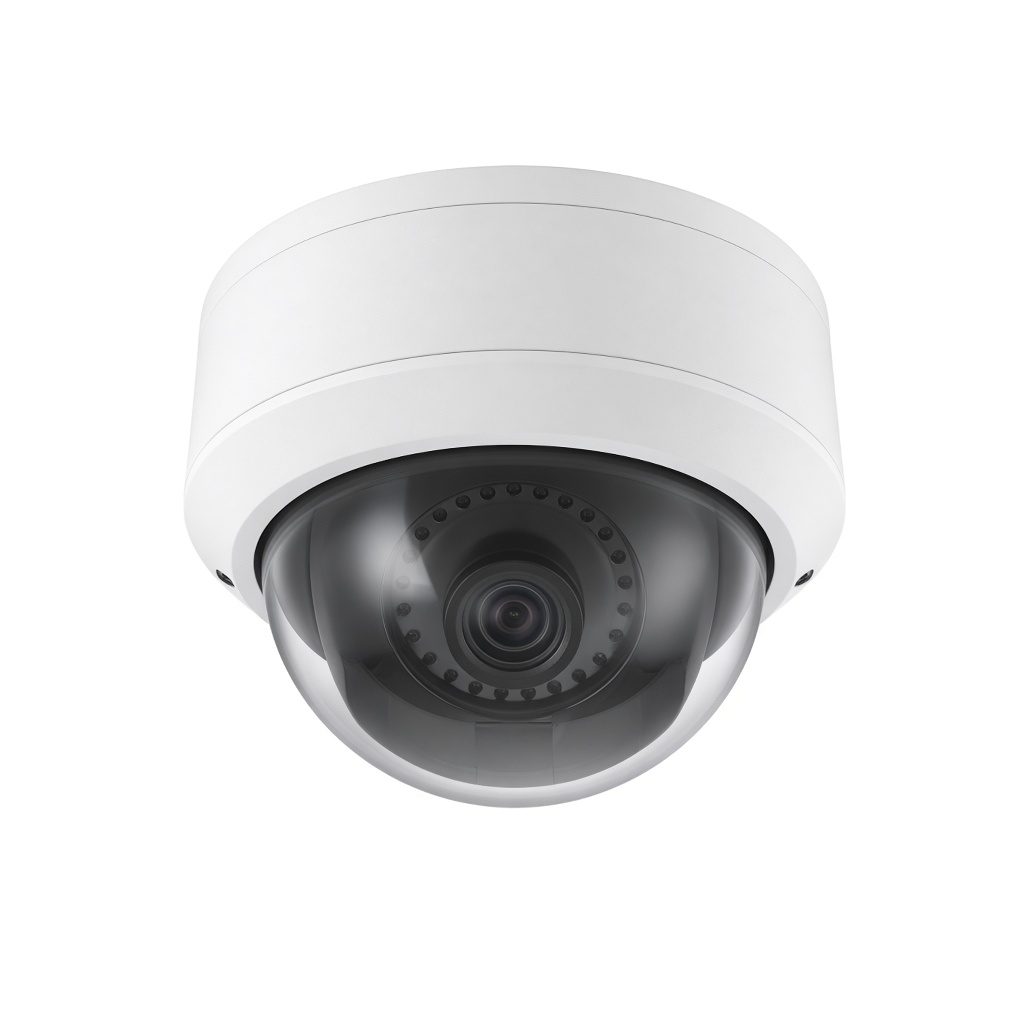
Dome
4 MP Standard and 6 MP Pro for lobbies and internal coverage.
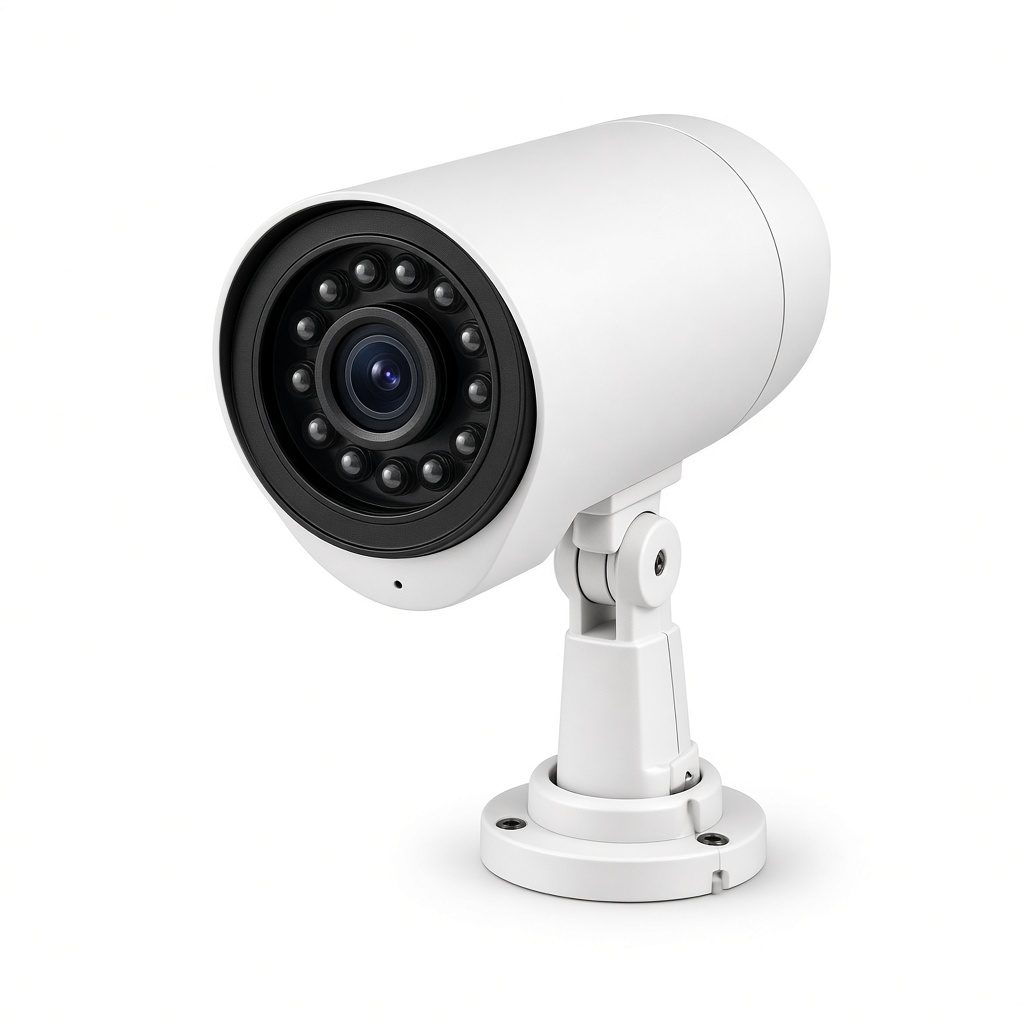
Bullet
Perimeter and yard cameras, including Pro models with audio and WDR.
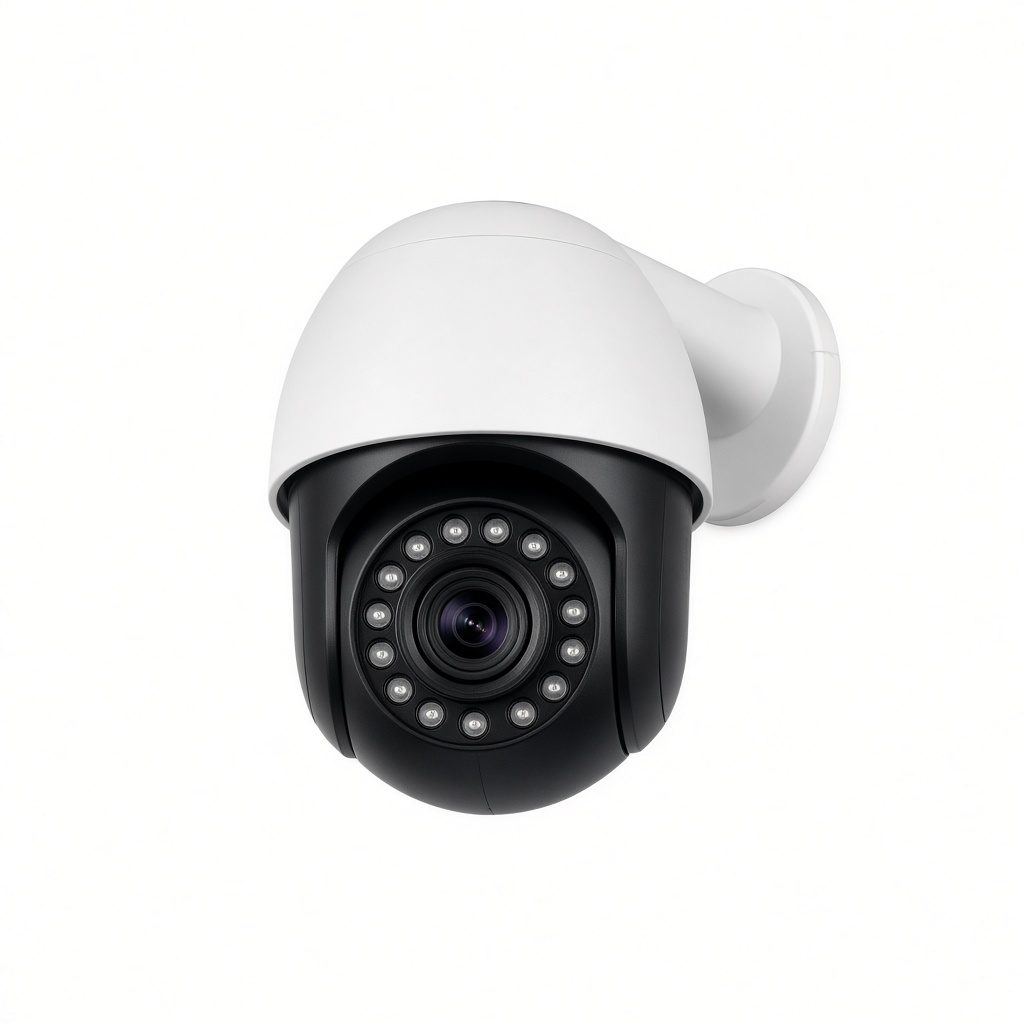
PTZ
25x, 30x and a 4 MP 32x outdoor PTZ, with human tracking on the Pro and outdoor speed-domes.
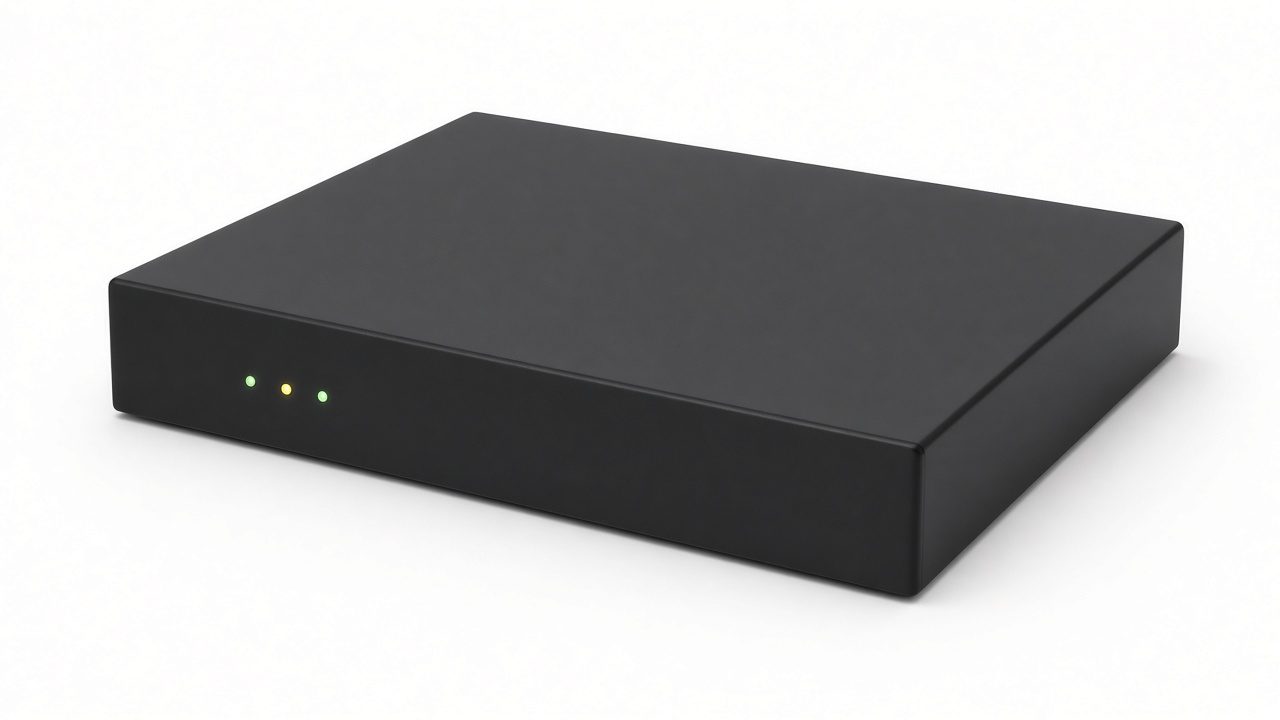
AI box and NVR
4 MP AI box camera, 36-channel AI recorder and surveillance storage.
07
Tell us the site
A school, a street, a car park, a shop, an airport or a campus. Say which alerts you need and which systems HyperScan has to join. The form goes to the Hyperspan sales mailbox.
Sales: sales@hyperspan.net